
Repair shop — decide on one page
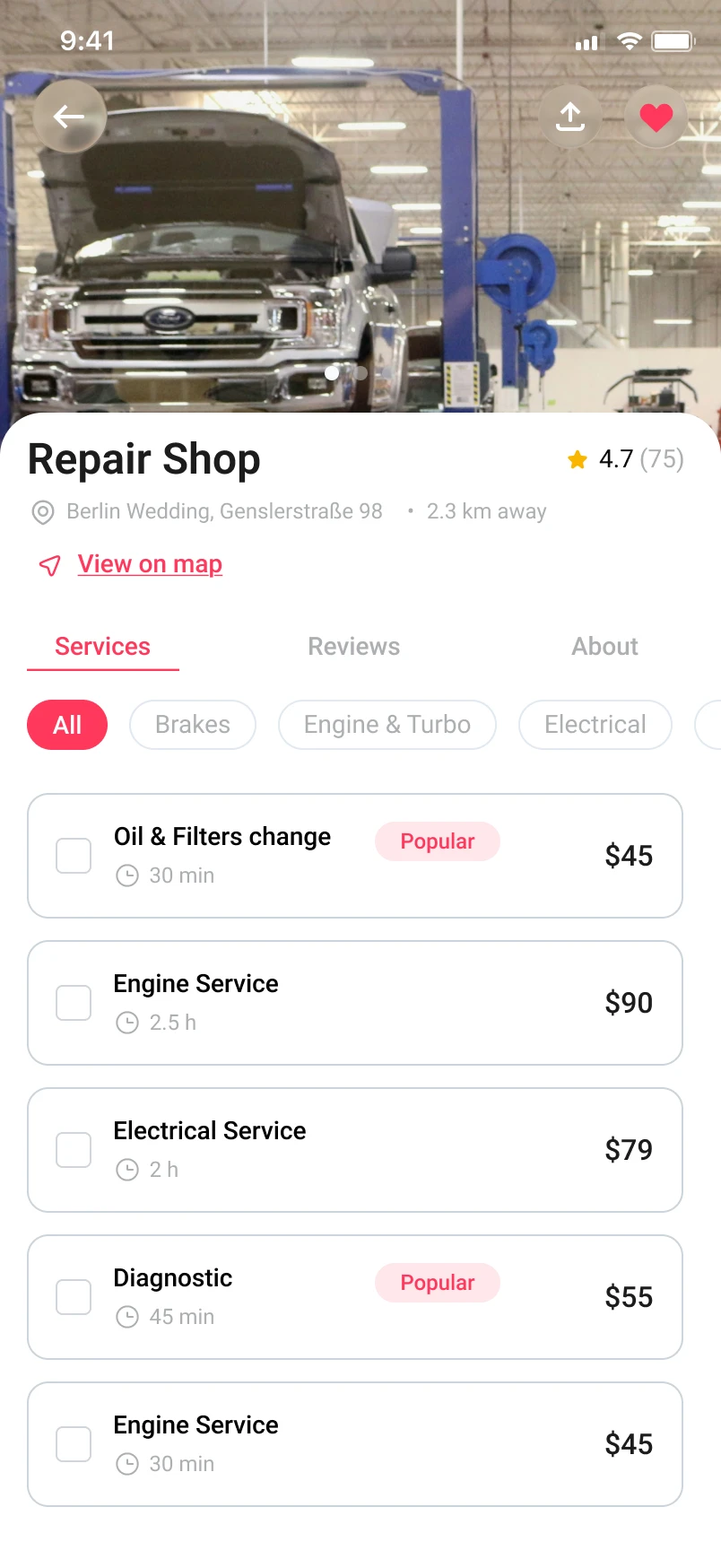
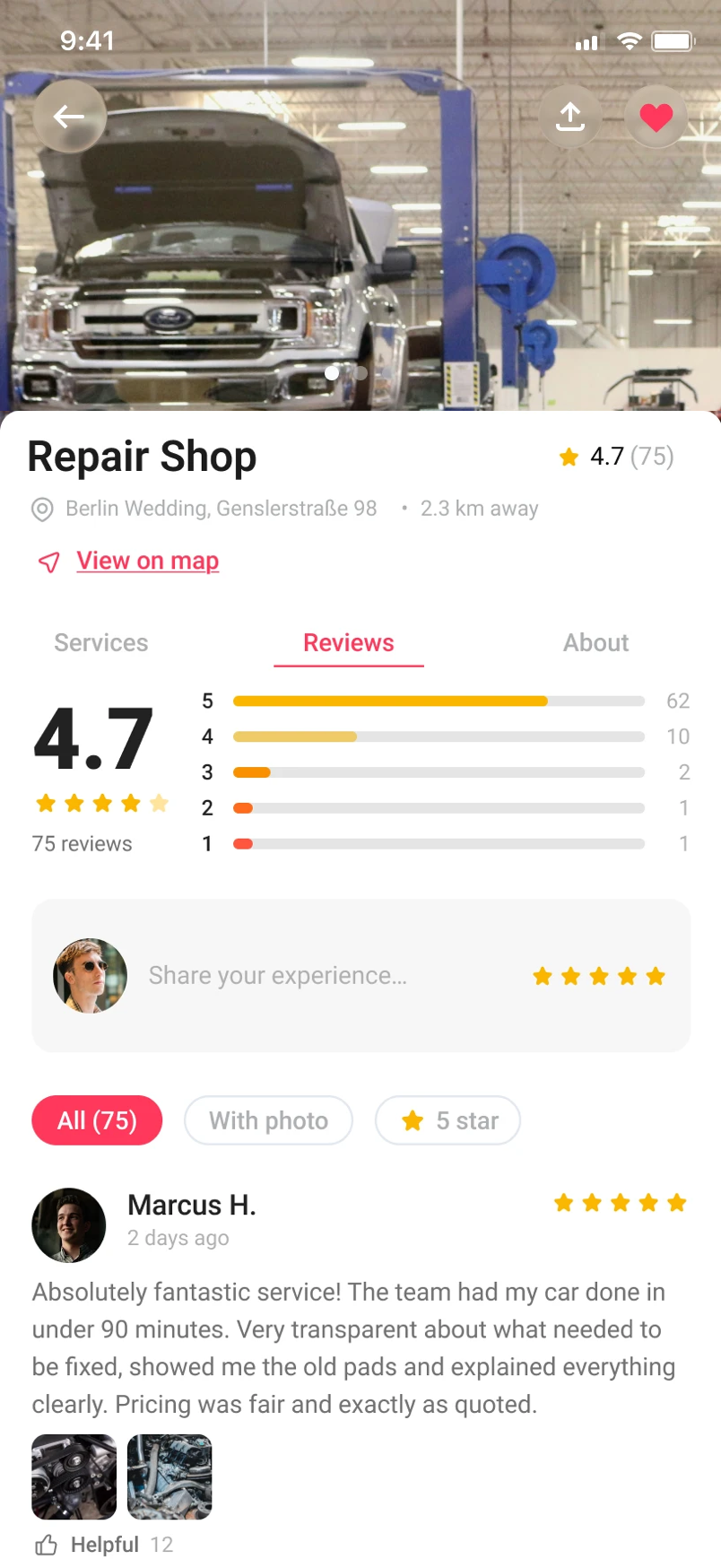
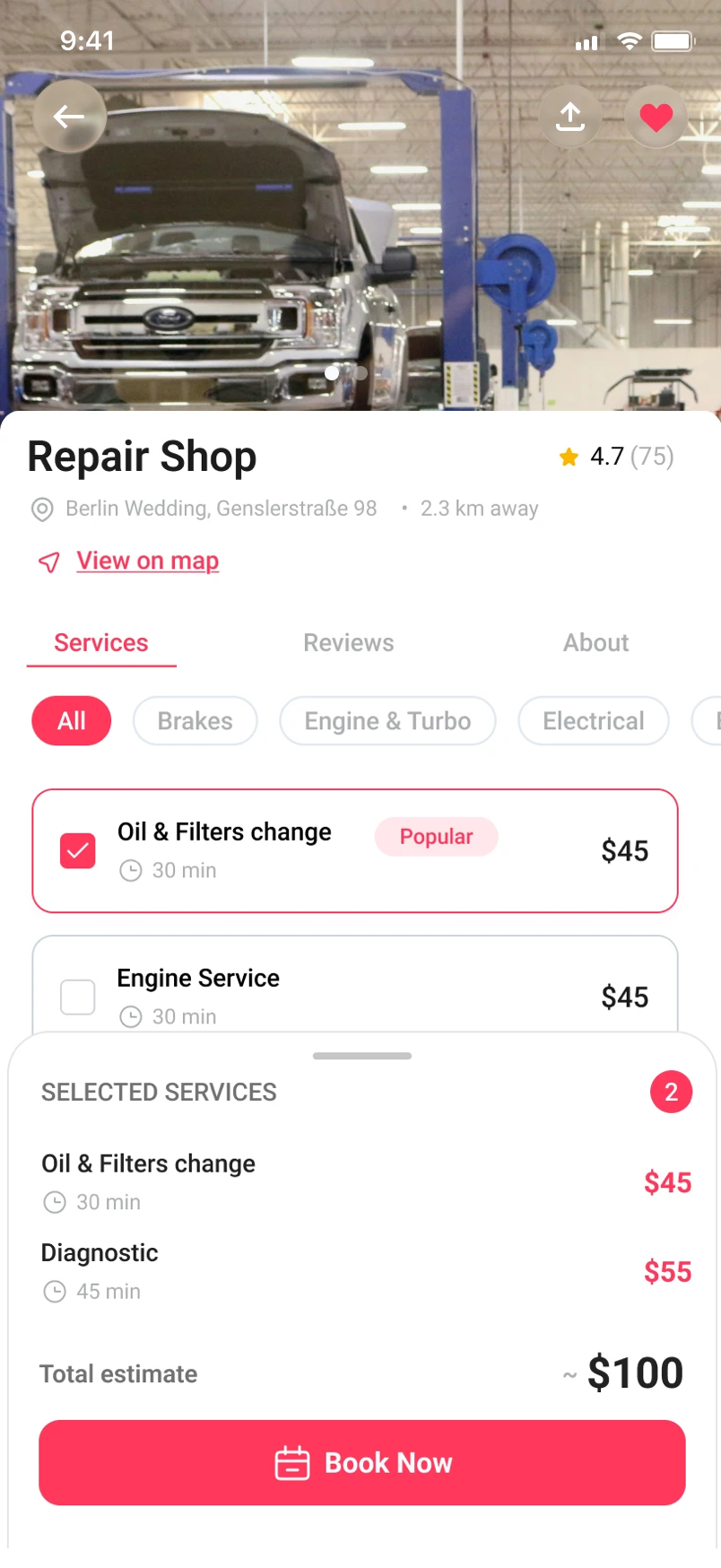
Services with prices, ratings broken down by stars and the shop’s story sit under three tabs on the same page.
Finding a garage, booking a slot and getting the car back — without a single phone call.
Shift is a car service app: find a garage nearby, compare services and reviews, book a time, and follow the car through the work until it is ready for pickup.
I designed it end to end — reviewing how car service and booking apps work today, defining the structure and key flows, and designing the UI and the components behind it.


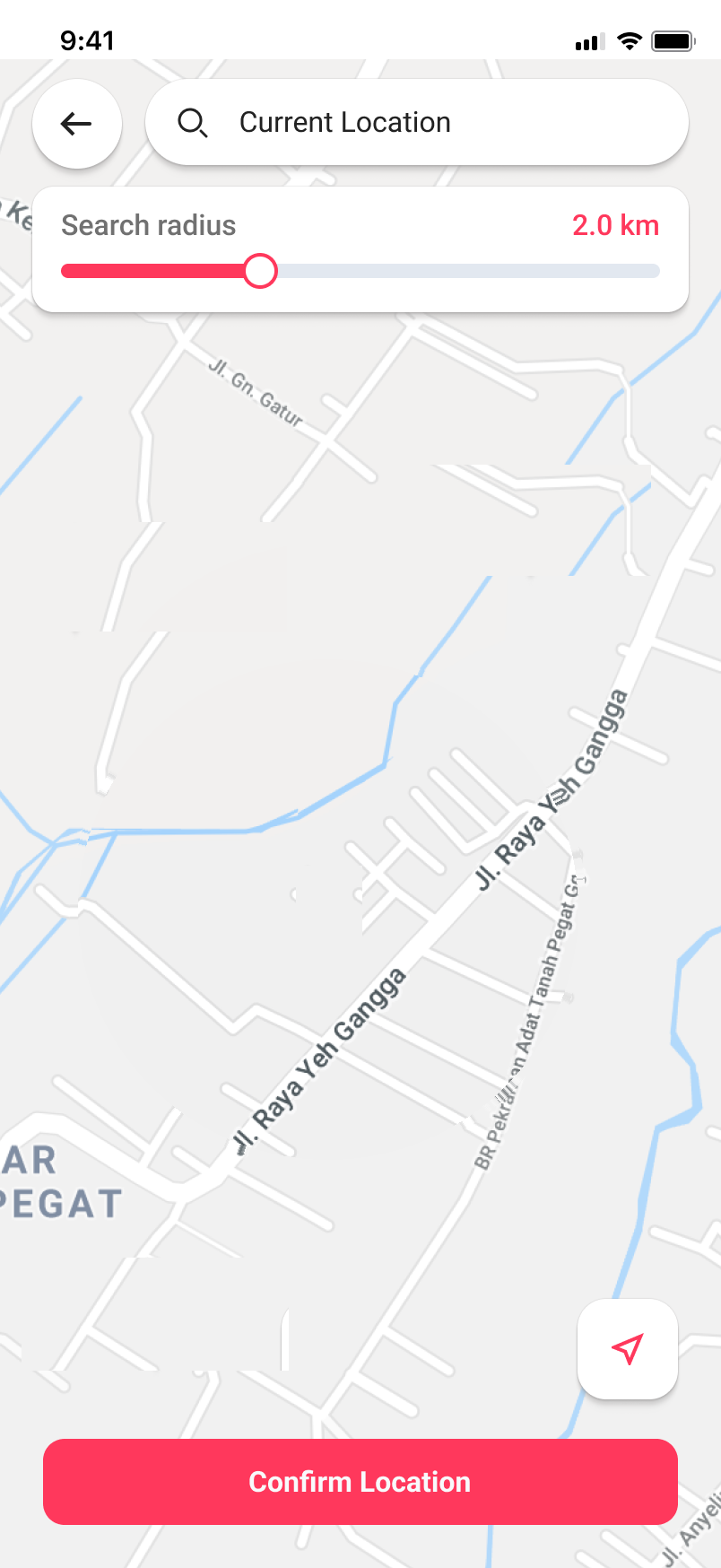
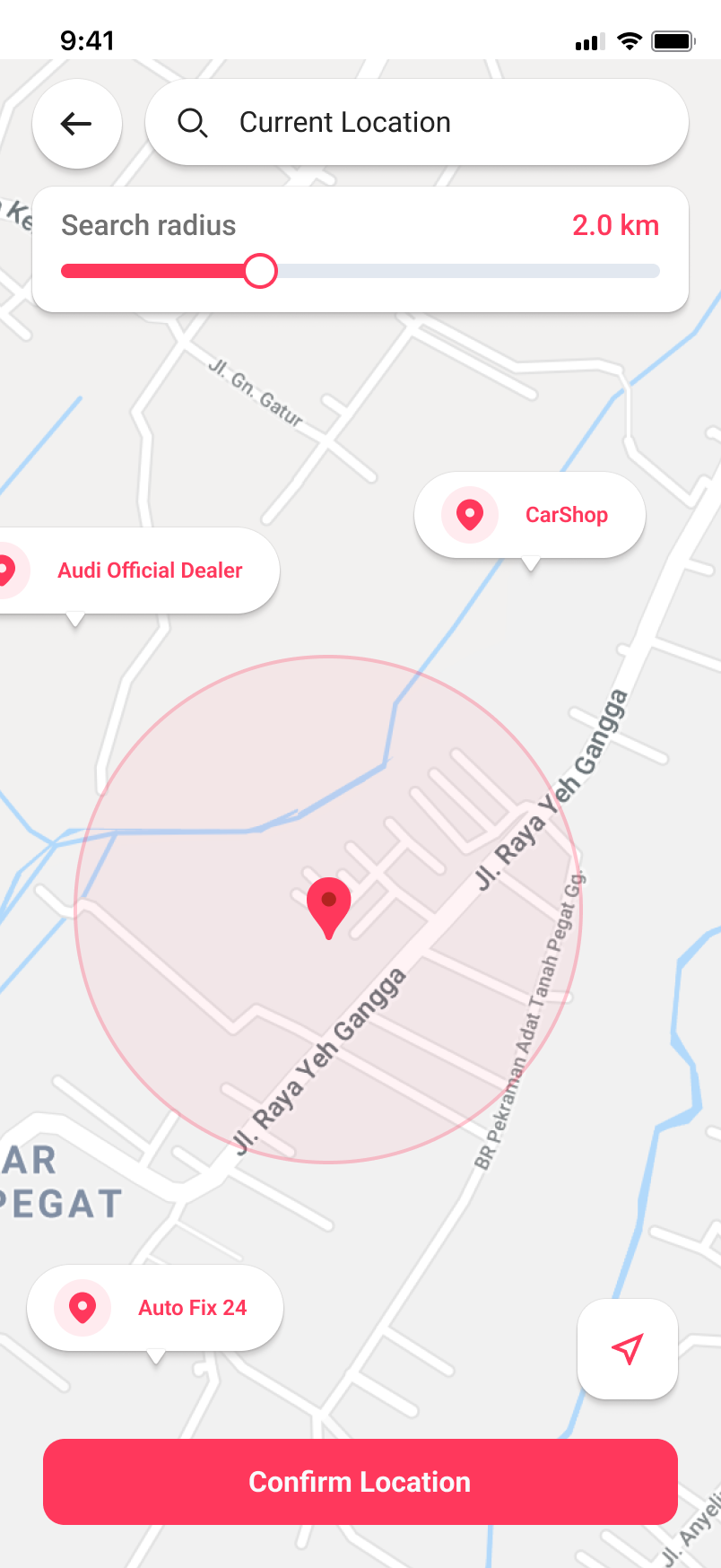
 Audi Official DealerCarShopAuto Fix 24BMW ServicePit Stop 24TyreHubQuick Lube2.0 km
Booking a car service still means calling around, getting a vague price and waiting for a call back to learn the car is ready.
to find a free slot, a price and the right specialist
the real cost shows up only when the work is done
once the keys are handed over, the car disappears
Show the price and the time before booking, and the car’s status after — so there is nothing left to call about.
Services, garage and the estimate on top — Change is one tap away.
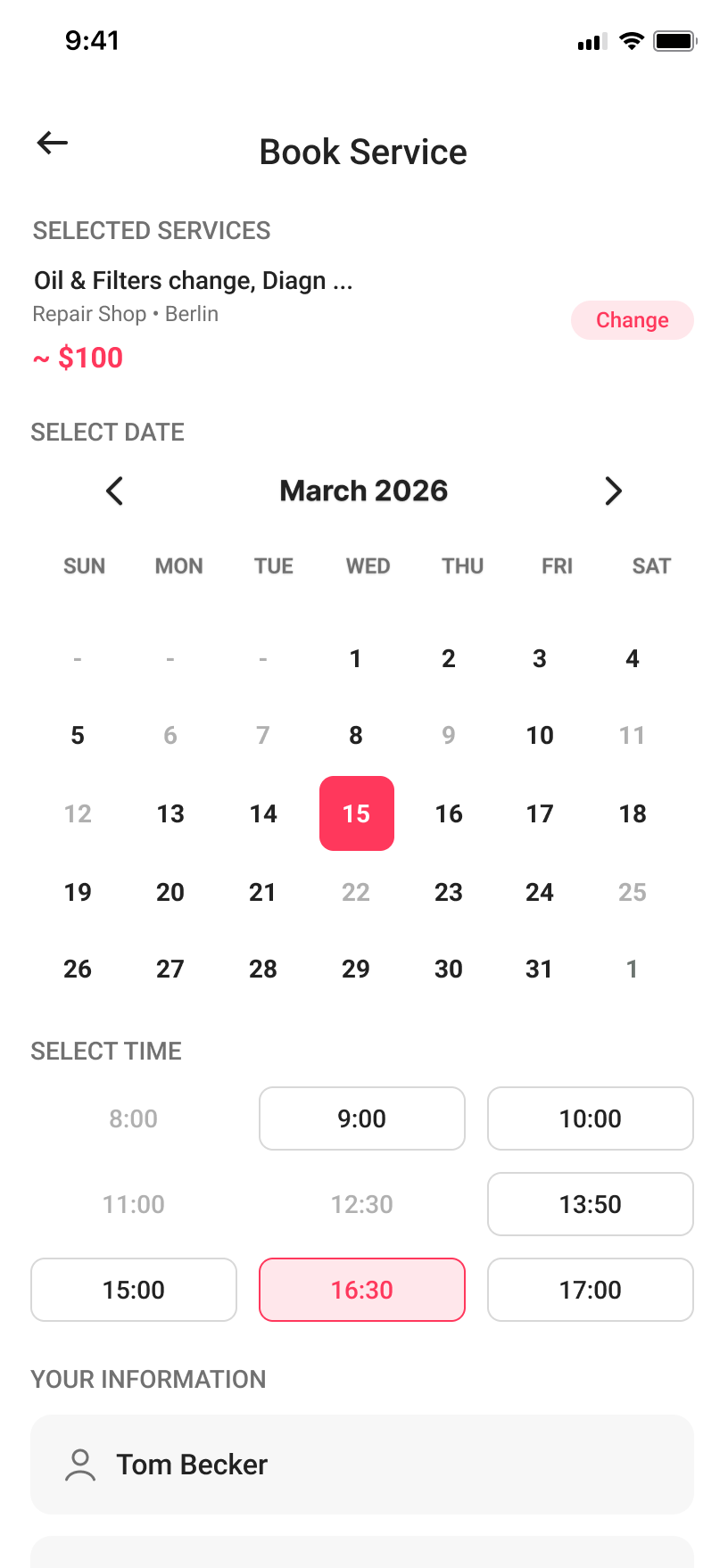
A month at a glance; past days are greyed out.
Taken times can’t be picked, so there is no back-and-forth.
Prefilled from the account — check, then confirm.
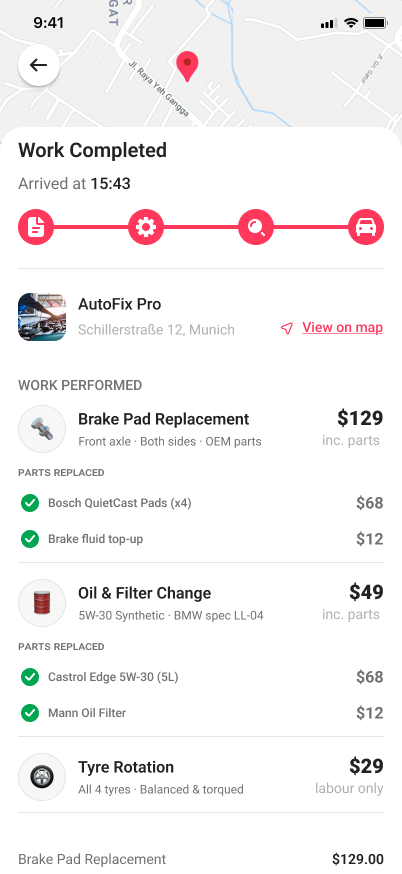
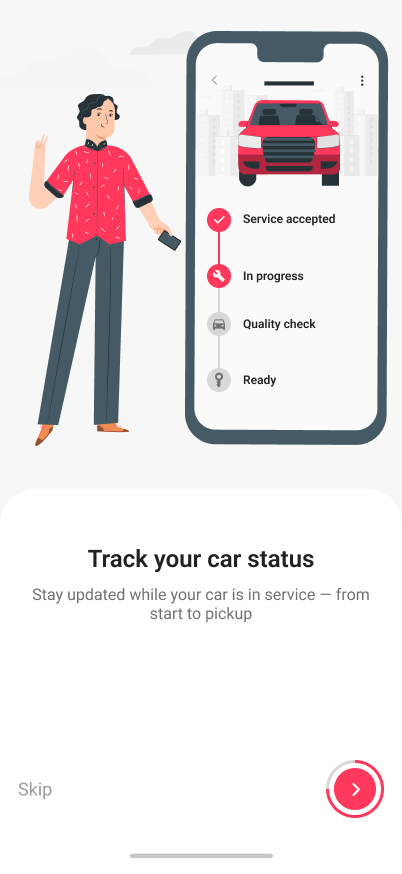
Accepted, in progress, quality check, ready — the status moves on its own.
The work and each part come with a price, matching the estimate.
Services with prices, ratings broken down by stars and the shop’s story sit under three tabs on the same page.
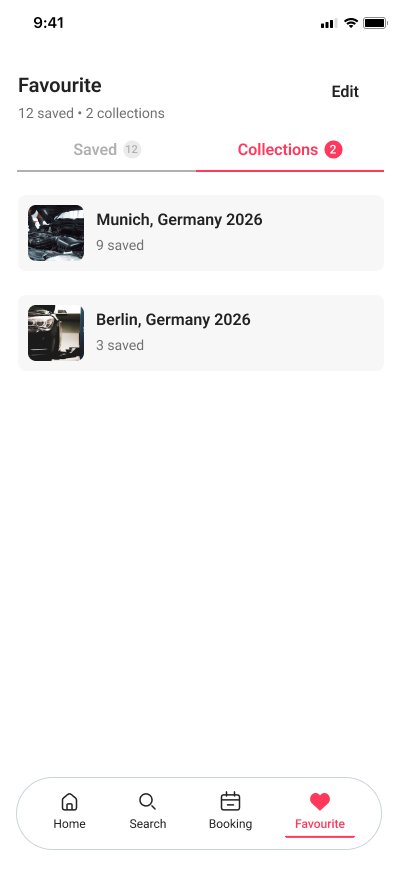
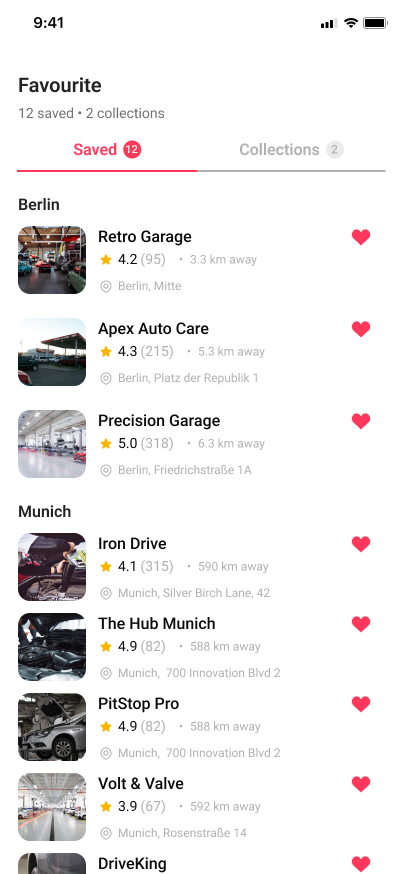
Saved garages grouped by where they are, and collections for trips — useful when the car breaks down away from home.
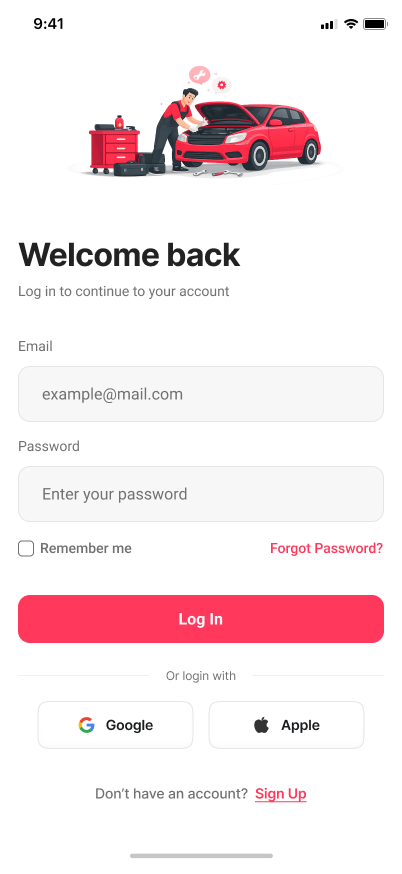
A white, quiet UI with one red for the next action and the chosen option; yellow only for ratings, green only for what is done.
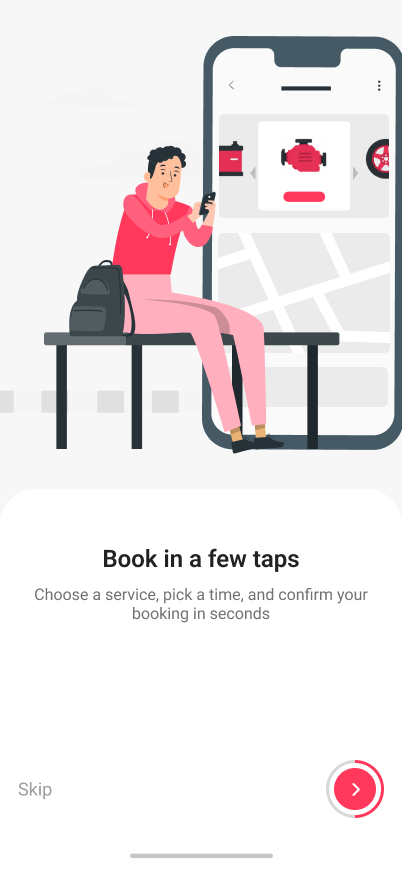
From a garage nearby to a booked slot in three taps, a live status while the car is away, and a bill that matches the estimate.
from a garage page to a booked slot
needed to book, check status or learn the price
difference between estimate and final bill
of repeat bookings start from Favourite